


What’s New for 20-21?
What’s New for 20-21?
If you are a returning user, you may notice some new features that have been added as part of the latest software update. Here’s a list of the most significant changes and additions:
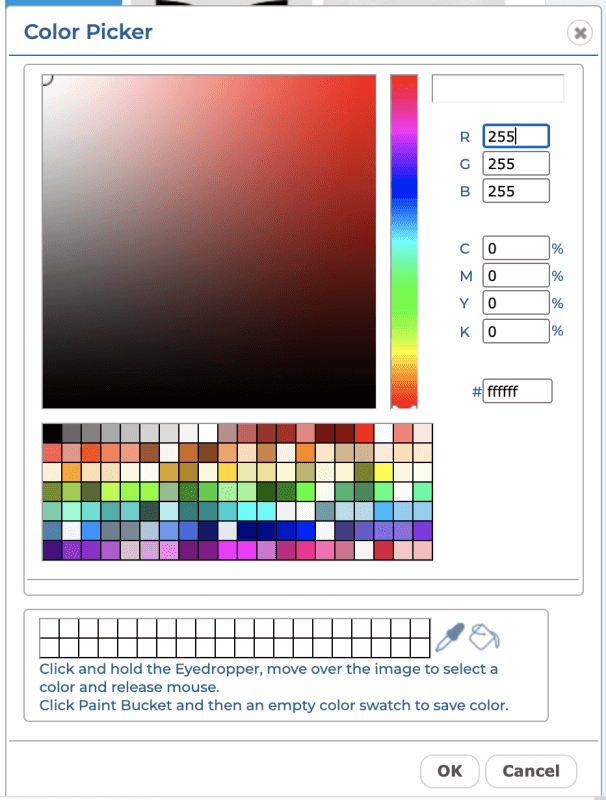
- Color Palette: A new Color Palette provides more color selection, more custom swatches, and the ability to select color based on RGB and CSS values.
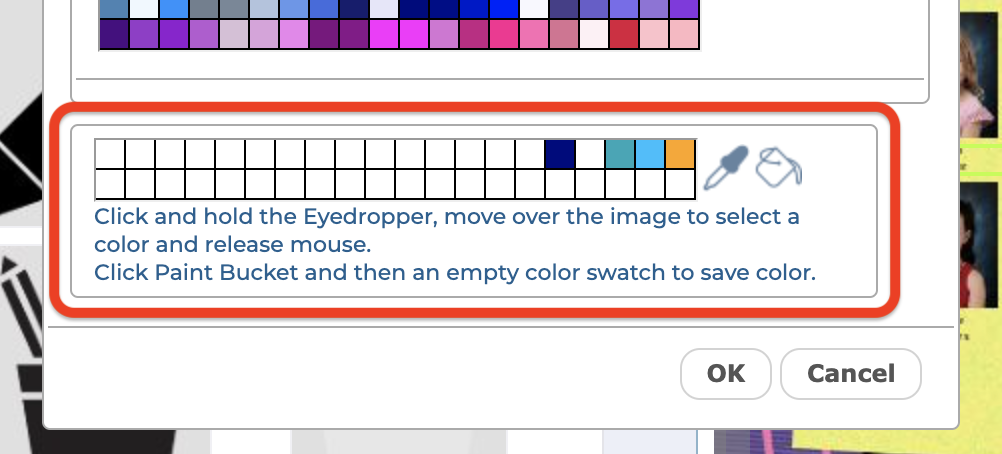
2. Custom Colors: Custom Colors can be saved from the image, or the color palette, and used throughout the book.
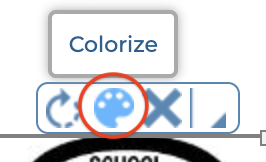
3. Colorize: A new Colorize feature allows you to apply a color from the color palette to a Background, Element or Clip Art object.
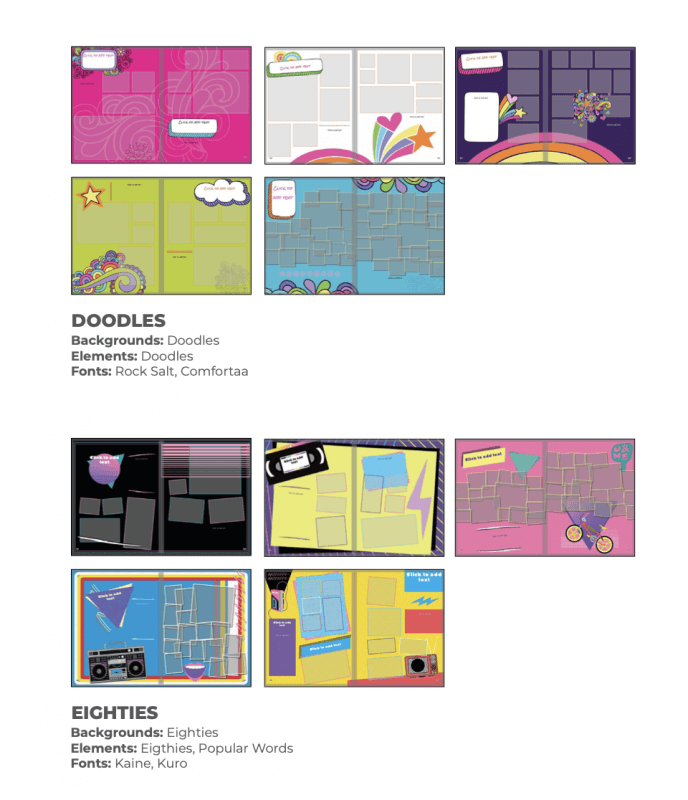
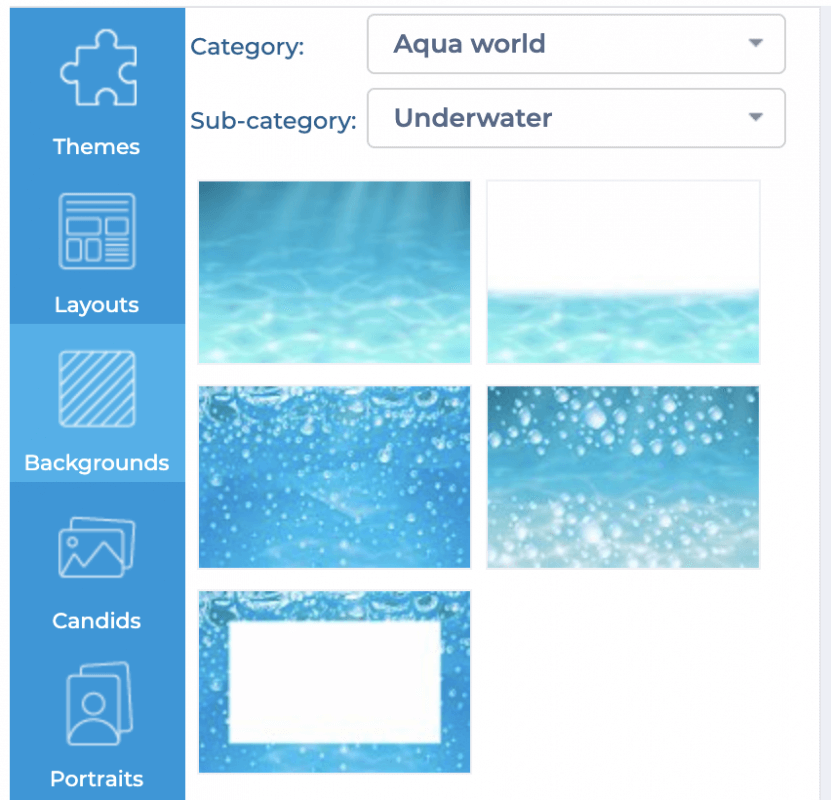
4. Content: Over 20 new Design Themes have been added in a variety of styles, including a new Distance Learning theme to help document the unique aspects of this school year. A new All-Star Sections Background category has a wide variety of numerous school and sports-related categories, and several new categories of Elements and Clip Art round out the update. Please refer to the Content Reference Guide to view the entire content selection.
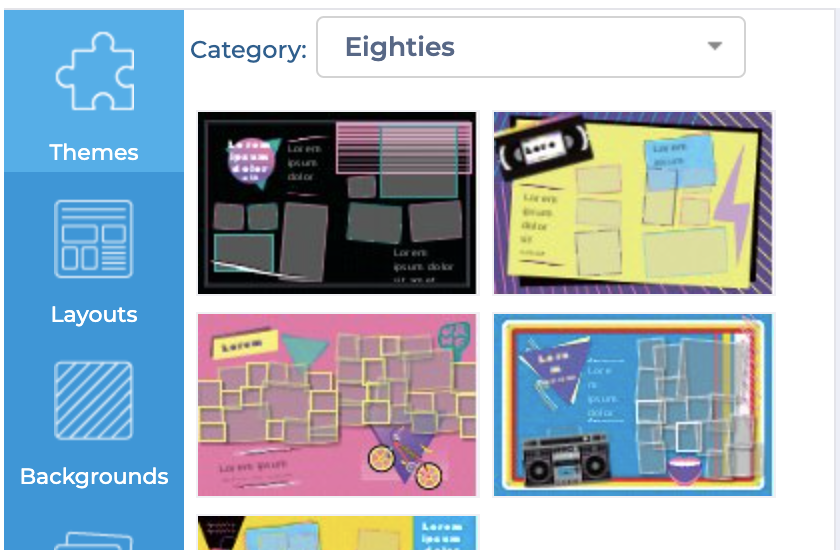
5. Themes Tab: A new Themes tab allows access to all the available Design Themes from within the page editor
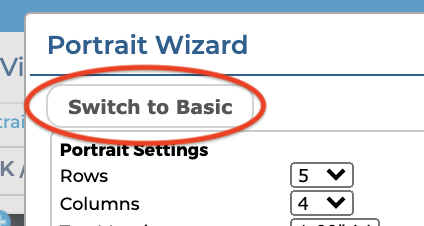
6. Portrait Wizard: Several changes have been made to the Portrait Wizard to enhance functionality and improve ease-of-use. A new Basic Mode simplifies portrait page creation for novice users.
Updated Saved Settings functionality helps manage portrait pages throughout the book. And a new Reflow Portraits feature provides simpler ongoing management of portrait pages.

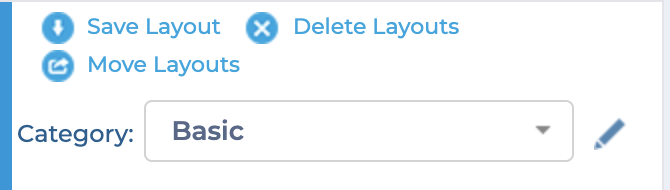
7. Saved Layouts: Custom Saved Layouts can now be named and organized into folders, along with an option for saving the background.
8. Independent Page Backgrounds: Backgrounds can now be dragged independently to a left or right page, or the full-page spread.
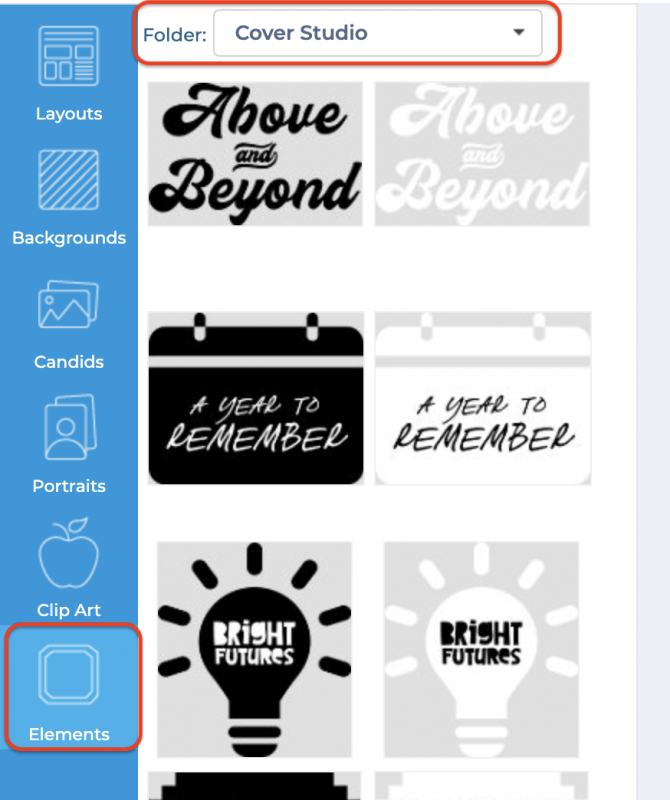
9. Cover Studio: A new Cover Design Studio elements set provides a large set of professionally designed yearbook mastheads and slogans for 2021, allowing you to design your own great cover. A set of pre-designed covers are also available for the most popular design themes.
10. Printable Portrait Review: A new Print feature generates a PDF of student portraits for proofreading and review.
11. Photo Post Support for Portraits: PhotoPost now allows Portraits to be submitted to the yearbook, in addition to Candids.