


Photos Page
The Photos Page
On the Photos page you can add and organize photos and clip art for your yearbook.
This page is accessible by users with Adviser, Editor, Staff, or Photographer privileges. If you don’t see this page, you have not been provided access.
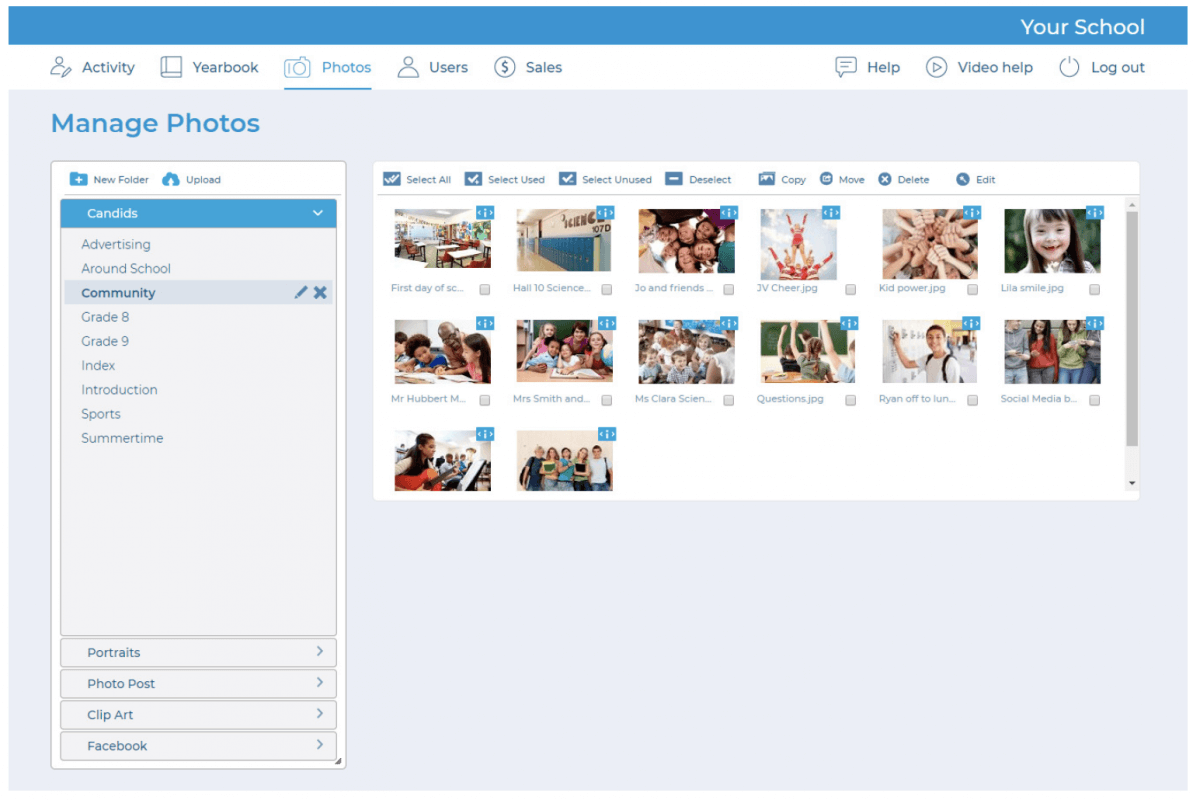
Main features on the Photos page are organized on the left in collapsible tabs. Images are organized into folders on each tab.
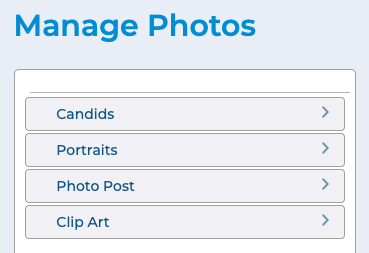
Clicking a tab will make it active. Clicking a folder on a tab will display thumbnails of the images in that folder in a contact sheet, on the right half of the page.
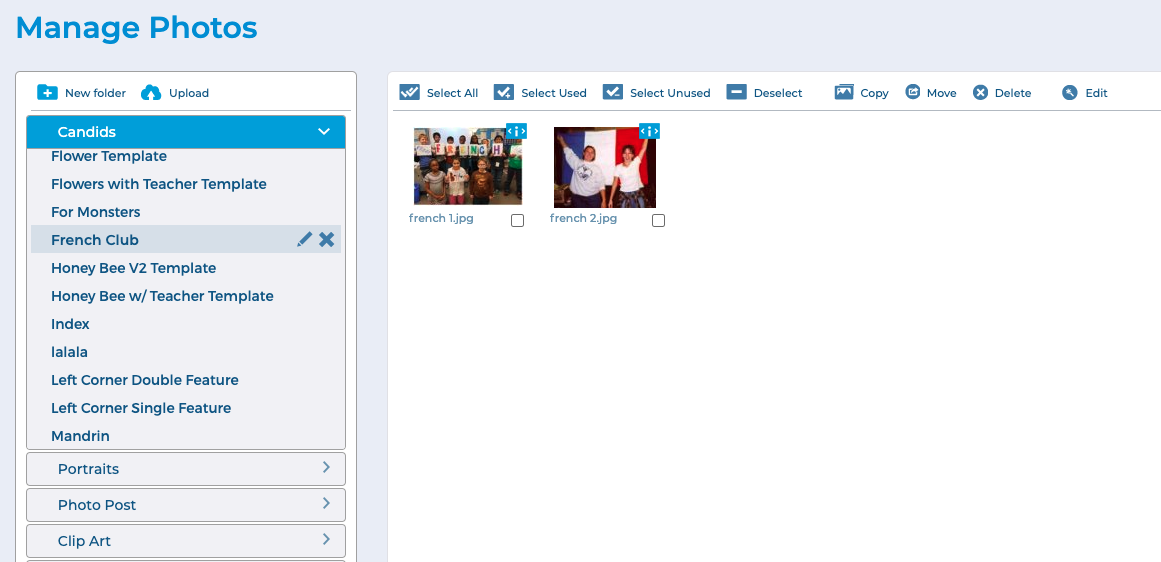
Features for managing the images are located in a toolbar along the top of the contact sheet.

The Candids, Portraits and Clip Art tabs contain the three main types of images that can be managed on this page. If configured, you may also see tabs for Photo Post and Facebook.
These tabs provide additional sources for obtaining photos for your yearbook.
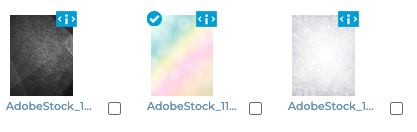
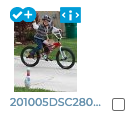
A checkmark icon on a photo thumbnail indicates that the photo has already been used in the book. A plus icon indicates that the photo has been used more than once in the book.
Note that the available features may be different based on the selected tab and your user permissions.